Settings
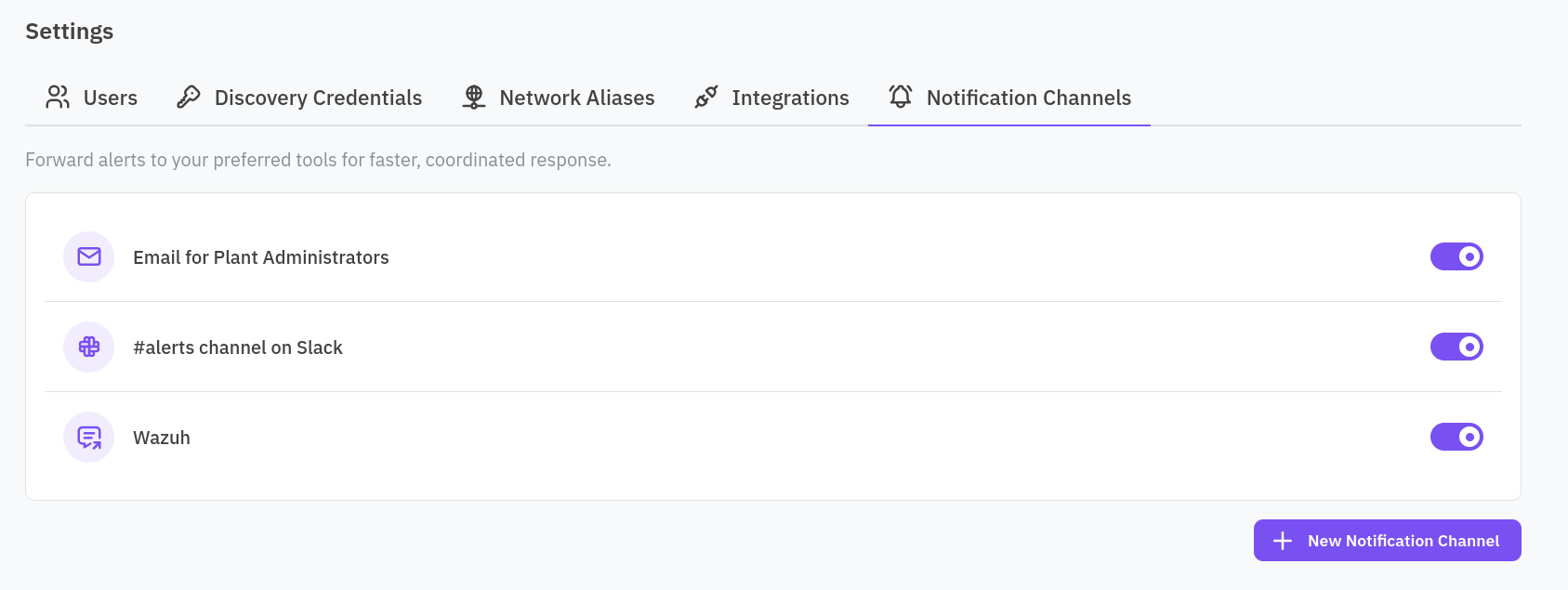
Settings is reached from the account menu (top right), not the sidebar, and everything in it is scoped to the facility you are currently in. It has five tabs: Users, Discovery Credentials, Network Aliases, Integrations, and Notification Channels.
Users
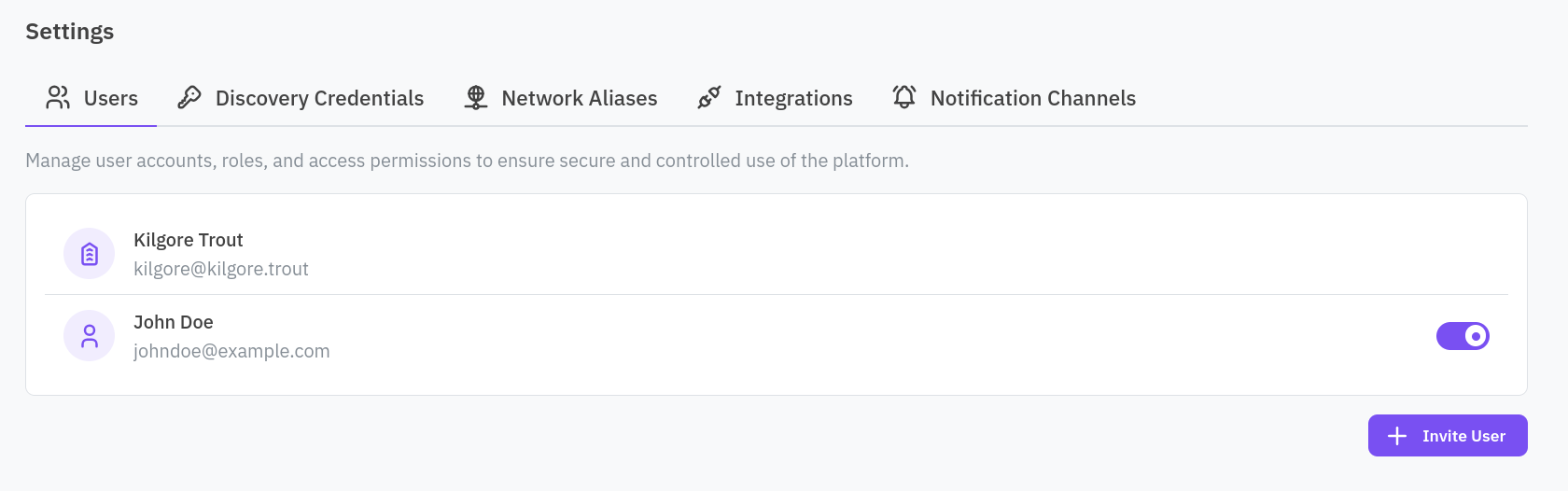
Every user with access to the facility is listed with a switch to grant or revoke it. An organization admin has no switch, admins always have access to every facility in the organization. Click Invite User to add someone new by name and email.
Discovery Credentials
A single username and password the sensor uses to authenticate with devices that support it, for deeper, authenticated queries such as OPC UA. See Add discovery credentials for why and when to set this, including the safety consideration for live processes.
Network Aliases
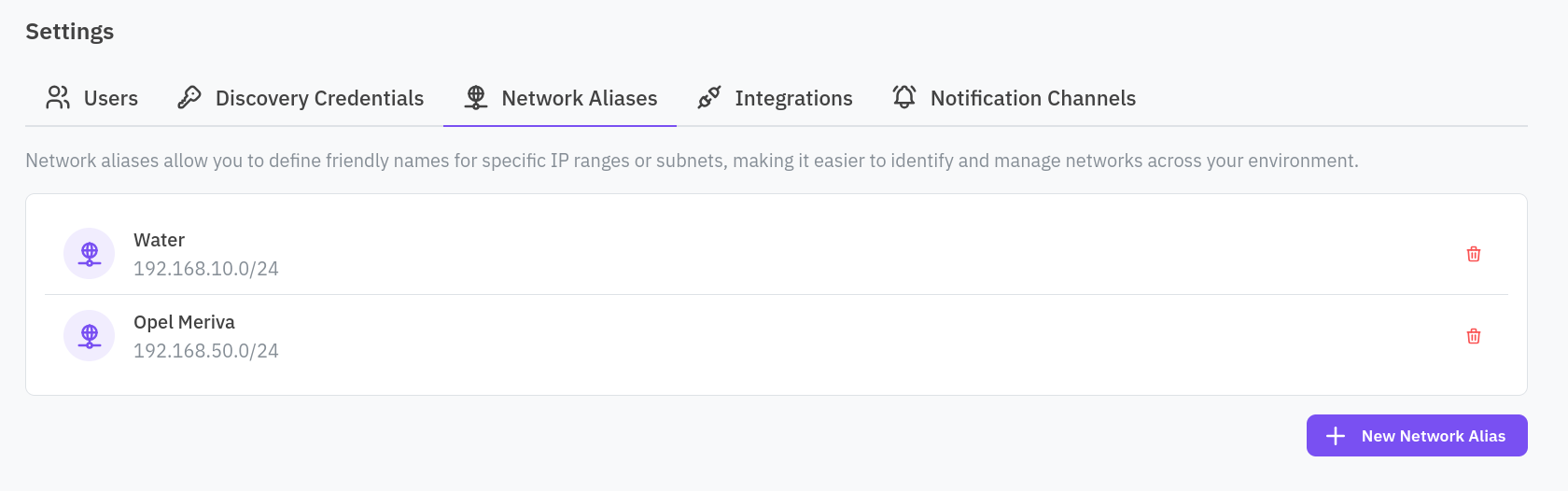
A list of CIDR range to friendly-name mappings. Add one with New Network Alias, or delete an existing one, each with a confirmation step since it affects how the platform identifies that network everywhere else in the console. Changes take effect at the next snapshot. See Add network aliases.
Integrations
Two switches, one per supported platform: Stormshield and Fortinet. Enabling one feeds this facility’s inventory data into that platform’s CPS protection policies.
Notification Channels
Add a channel to forward alerts to: Email, Slack, or Syslog. Once a channel exists, select it from a rule’s automated response to have that rule’s alerts delivered there.