Threat detection: network captures
Threat Detection > Network Captures lets you take a manual packet capture on demand, on top of the automatic captures a rule can trigger as a response action. See Network traffic and flows for what a capture is and how it differs from a flow.
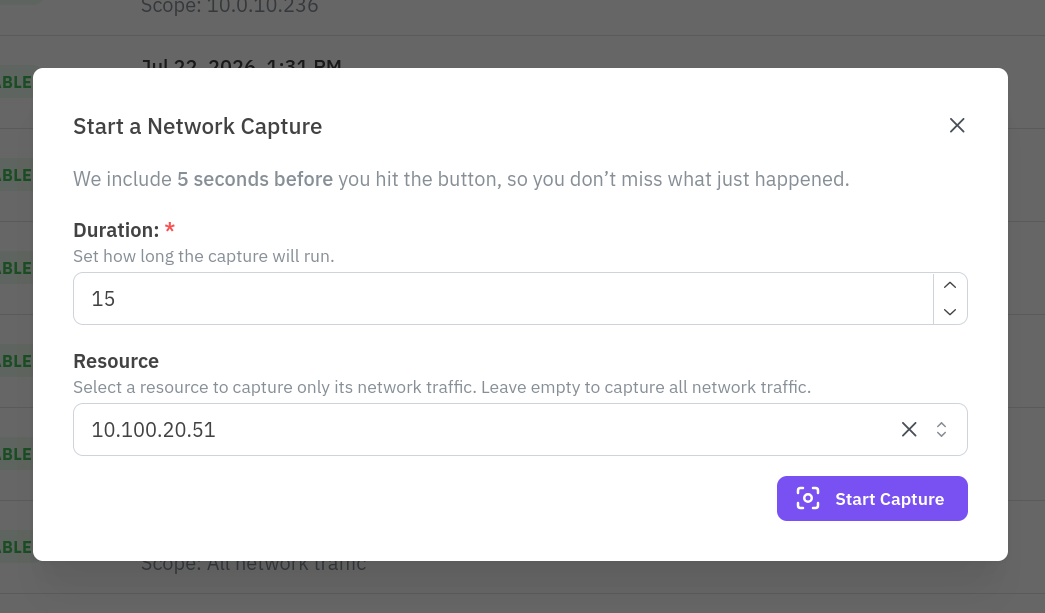
Click New Network Capture, set a duration between 5 and 60 seconds, and optionally pick a single resource to scope the capture to instead of the entire network. The capture also includes the 5 seconds before you click Start Capture, so you do not miss what just happened.
The list below shows every capture with its status, start time, scope (a specific resource or all network traffic), duration, and, once it finishes, its file size and a Download button. A capture downloads as a PCAP file you can open in Wireshark or a similar tool.
