Quickstart
This walks you from logging in for the first time to seeing your first devices in the inventory.
Log in
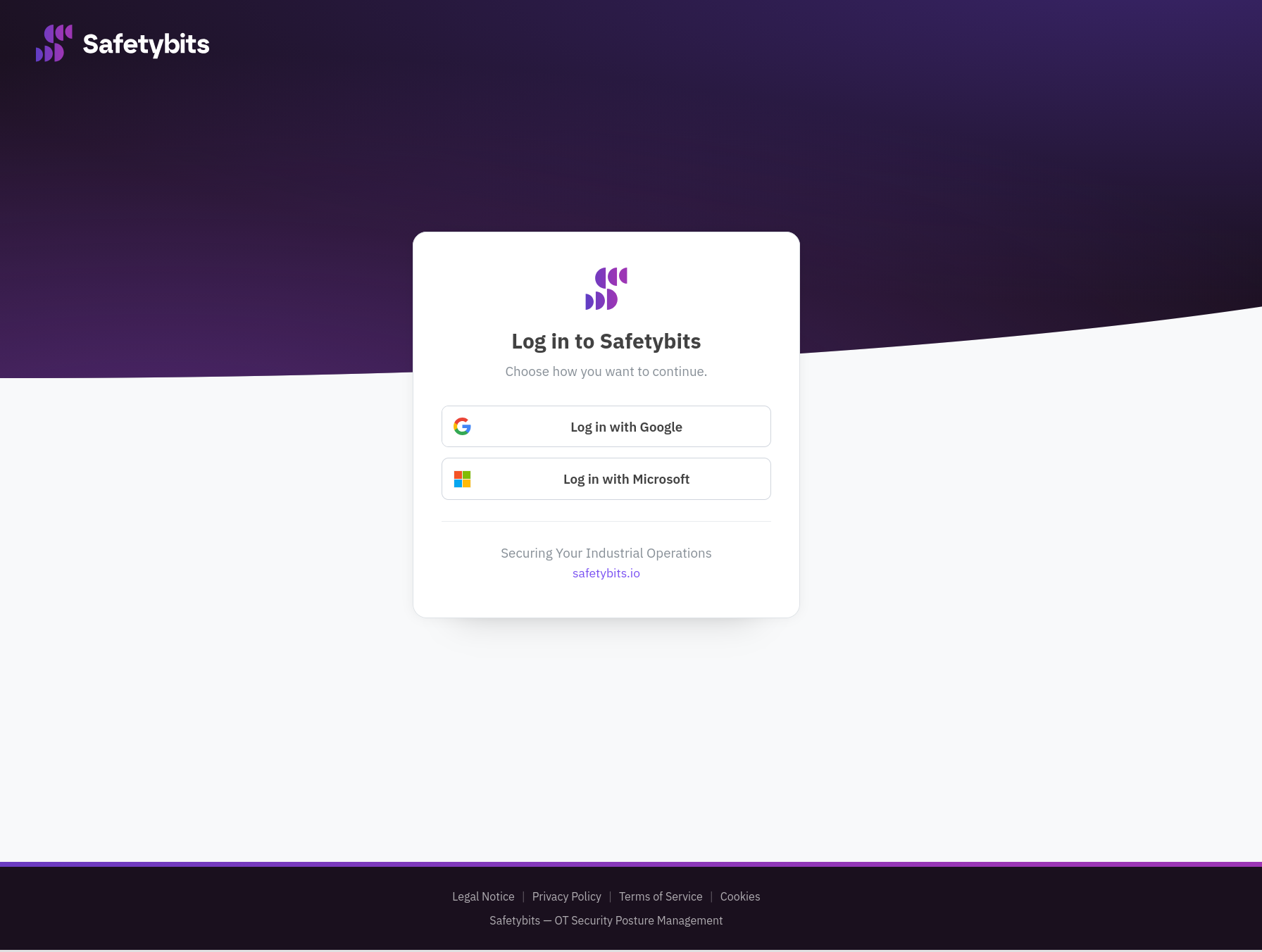
Go to your console address: https://console.safetybits.io for a SaaS deployment, or the address your administrator gave you for an on-prem one.
For a SaaS deployment, log in with your Google or Microsoft account; those are the only two identity providers the Safetybits cloud supports. For an on-prem deployment, log in with whichever identity provider your administrator configured for your instance. Complete multi-factor authentication if your identity provider requires it.
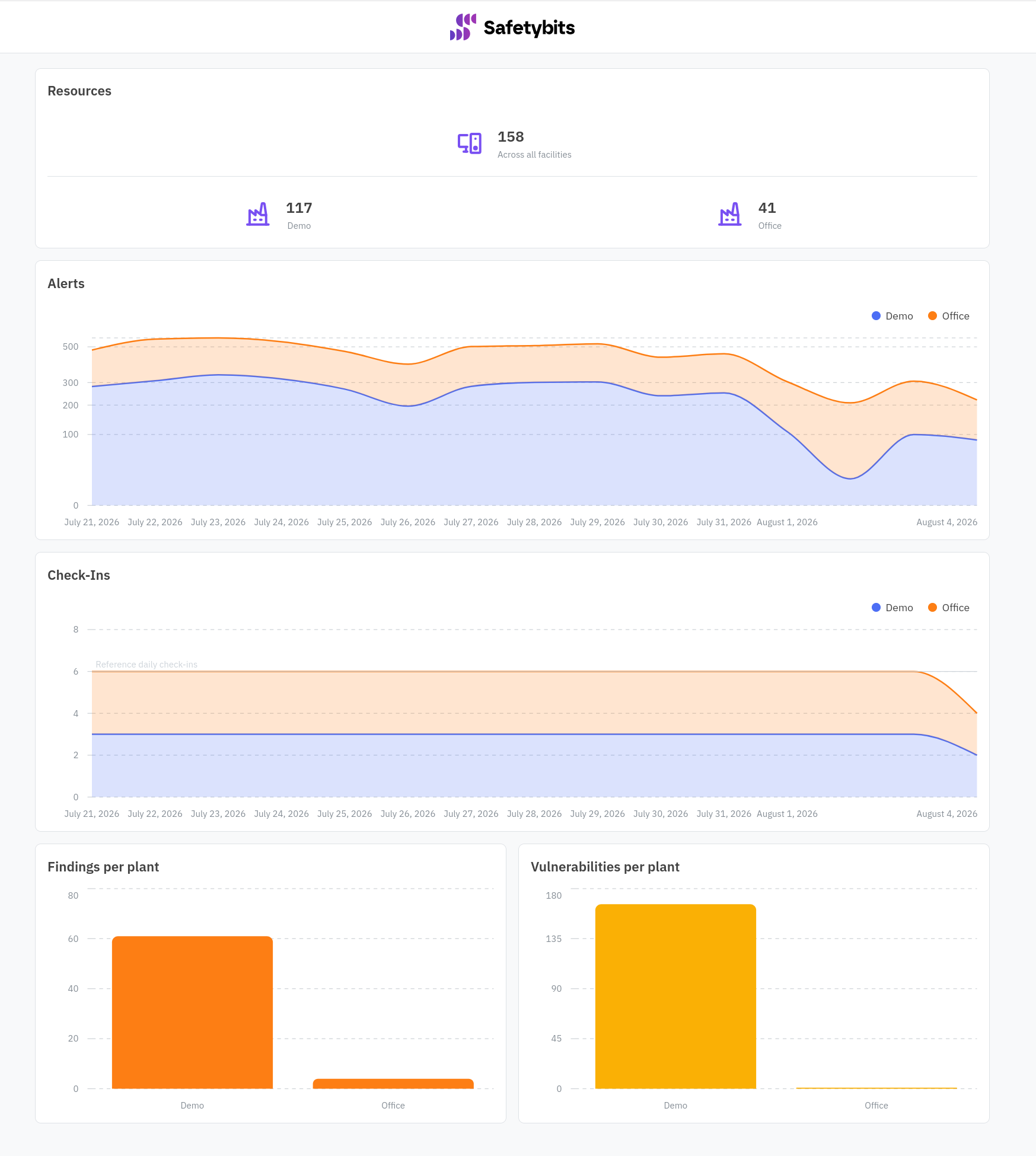
If you only have access to one facility, you land directly in it. If you have access to more than one, you land on the global overview instead: resources, alerts, and findings aggregated across every facility you can see. Switch into a specific facility using the account selector in the navigation, which stays available wherever you are in the console.
Deploy the sensor
Deploy the sensor in your infrastructure. See Sensor for more details, configuration and start-up steps.
Wait for discovery
Once the sensor is running and reporting, devices start appearing in the inventory as soon as they are detected. Their findings, vulnerabilities, and compliance status populate at the next snapshot, roughly eight hours later. See Discovery and the inventory and Snapshots and change detection for what happens during that window.
You do not have to wait for the full cadence: open the account menu (top right) and click Refresh Resources to force a snapshot early.
Check the inventory
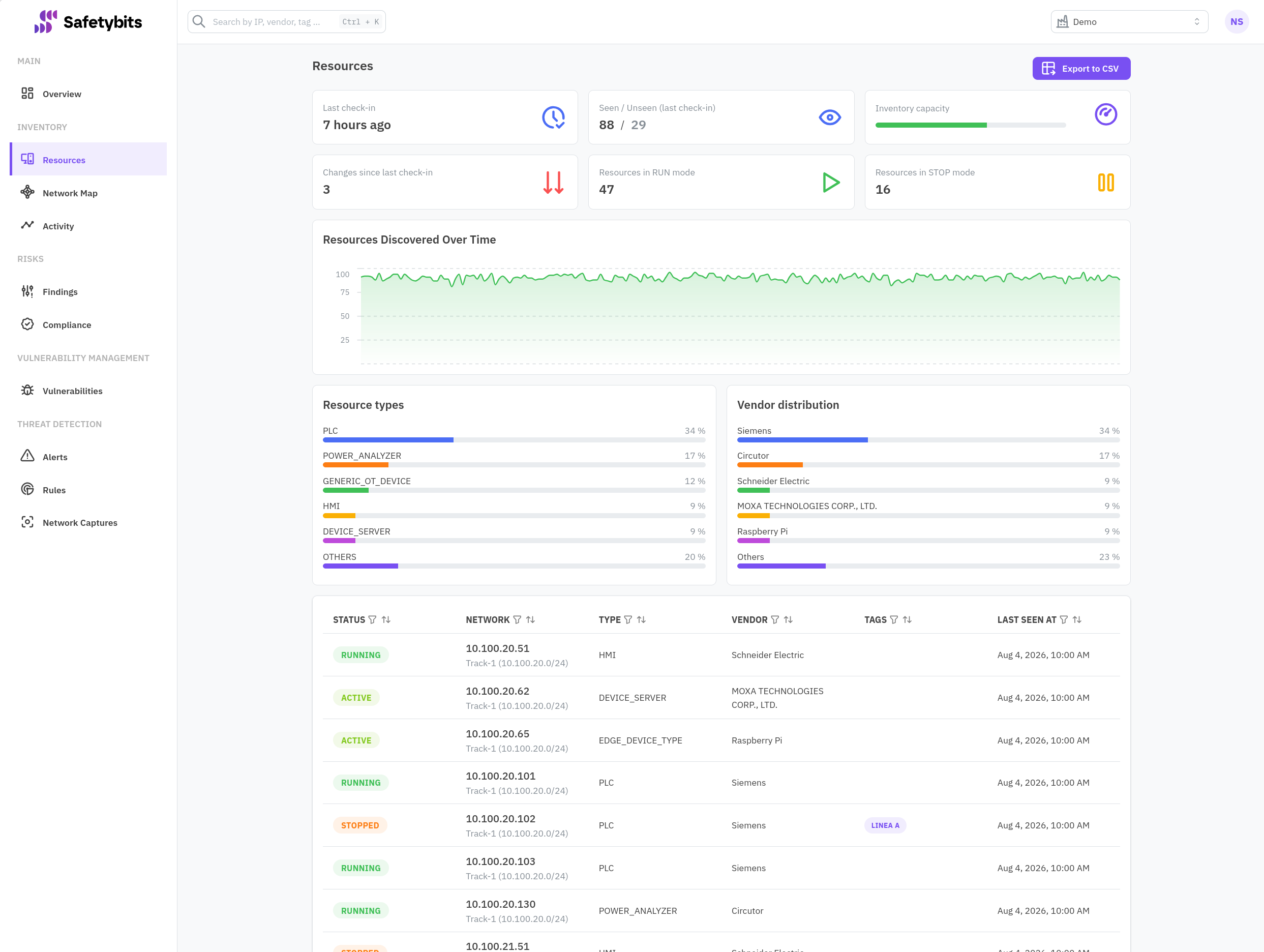
Go to Inventory to see the devices the sensor has found.
This is a good time to move on to the onboarding checklist to get the rest of the facility set up: users, network aliases, notification channels, and which compliance benchmarks to track.