Snapshots and change detection
A snapshot is a point-in-time capture of your facility’s state. It includes the full inventory, security posture, and network activity at that exact moment.
The platform takes snapshots roughly every eight hours. Between snapshots, the sensor continuously discovers devices and monitors traffic. The full evaluation of compliance controls, vulnerability matching, and risk scoring runs at snapshot time.
New devices appear in the resource list immediately when detected. Their findings, vulnerabilities, and compliance status populate at the next snapshot.
You can force a manual snapshot at any time. Open the account menu and click Refresh Resources.
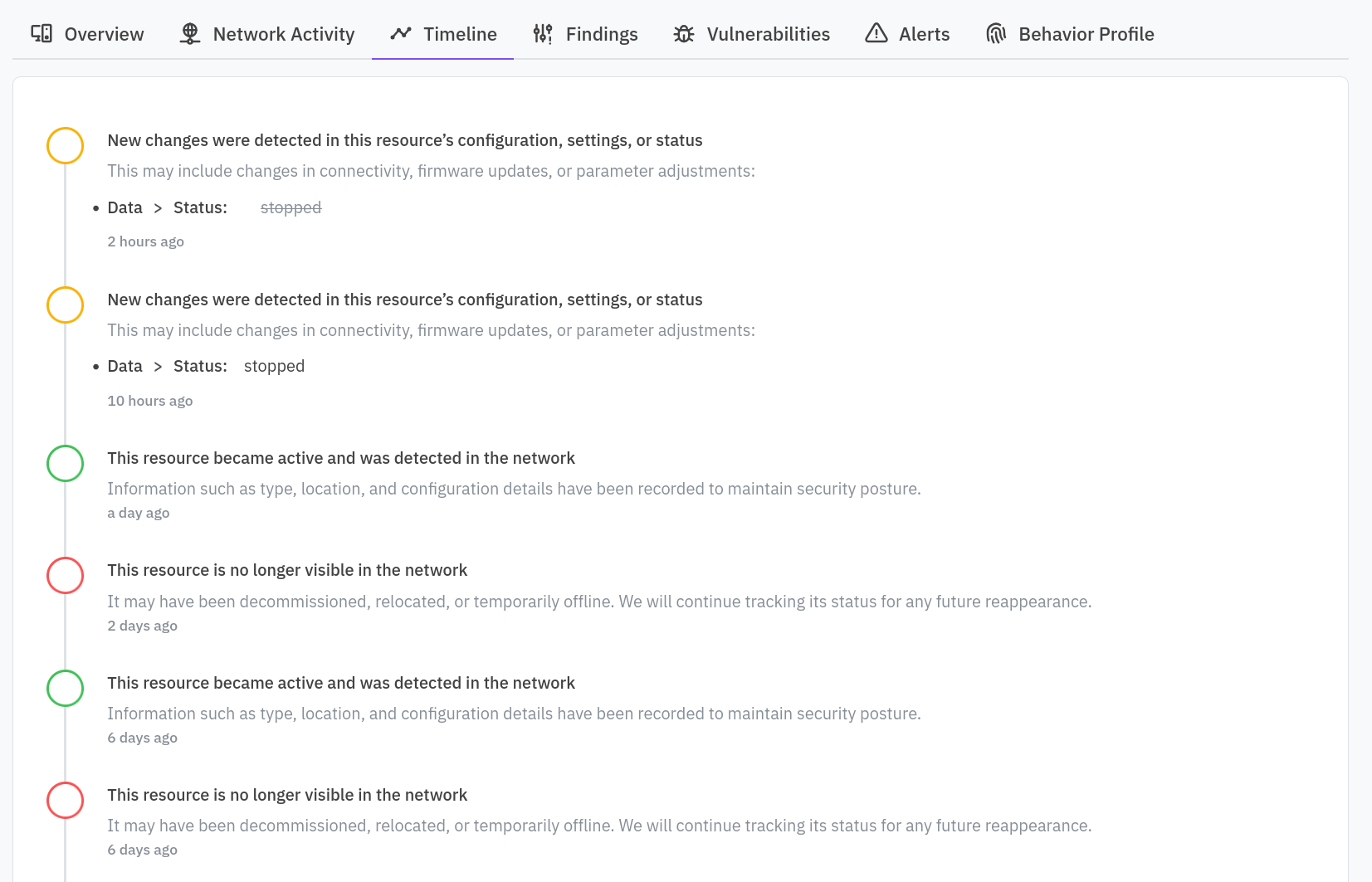
The platform builds the timeline on each resource and the Activity feed across the facility by comparing successive snapshots. When a resource’s metadata, open ports, firmware version, or security posture changes between two snapshots, the change appears in the timeline.
The Overview dashboard’s 30-day trends are built directly from this snapshot history.